Monday, 3 December 2012

PANORAMA


I make this photo by taking several separated photos then I use Adobe Photoshop - photomerge - panoramic picture to make it together.
Then I use Crop tool to made the hedge of the photo.
Then I make it square, and overlap it 180 degree, then I use  Filter - Polar Coordinate to make a planet panorama picturePosted by Picasa
Portrait Photos with Light

1. Rembrant light


2. Rembrant light + diffuser

3. Rembrant light + diffuser + reflector

4. Rembrant light + diffuser + fill light


5.  Rembrant light + diffuser + reflector + background light or accent light


6. Butterfly light

7. Butterfly light + reflector

Tuesday, 6 November 2012

Portrait Photo - Photo Studio

PORTRAIT - PHOTO STUDIO


This is my partner. I took portrait photos of her in photo studio. I used the black font, with a flash in front of her and a reflector and a disffuser and a fan also.
My camera was in white balance mode, with ISO 800.
Then I used photoshop to correct some shade on her face.

Tuesday, 30 October 2012

Water drop


These photos were taken in a studio with high shutter speed and ISO to take picture of water drop.

Tuesday, 23 October 2012

PHOTOSHOP
After 


Light assignment


This picture is taken in dark, by my Canon Digital Camera with a source of light on hand. I chosed the low ISO and shutter speed to keep track of light. When I moved my source of light, the camera kept traces of light that i made.
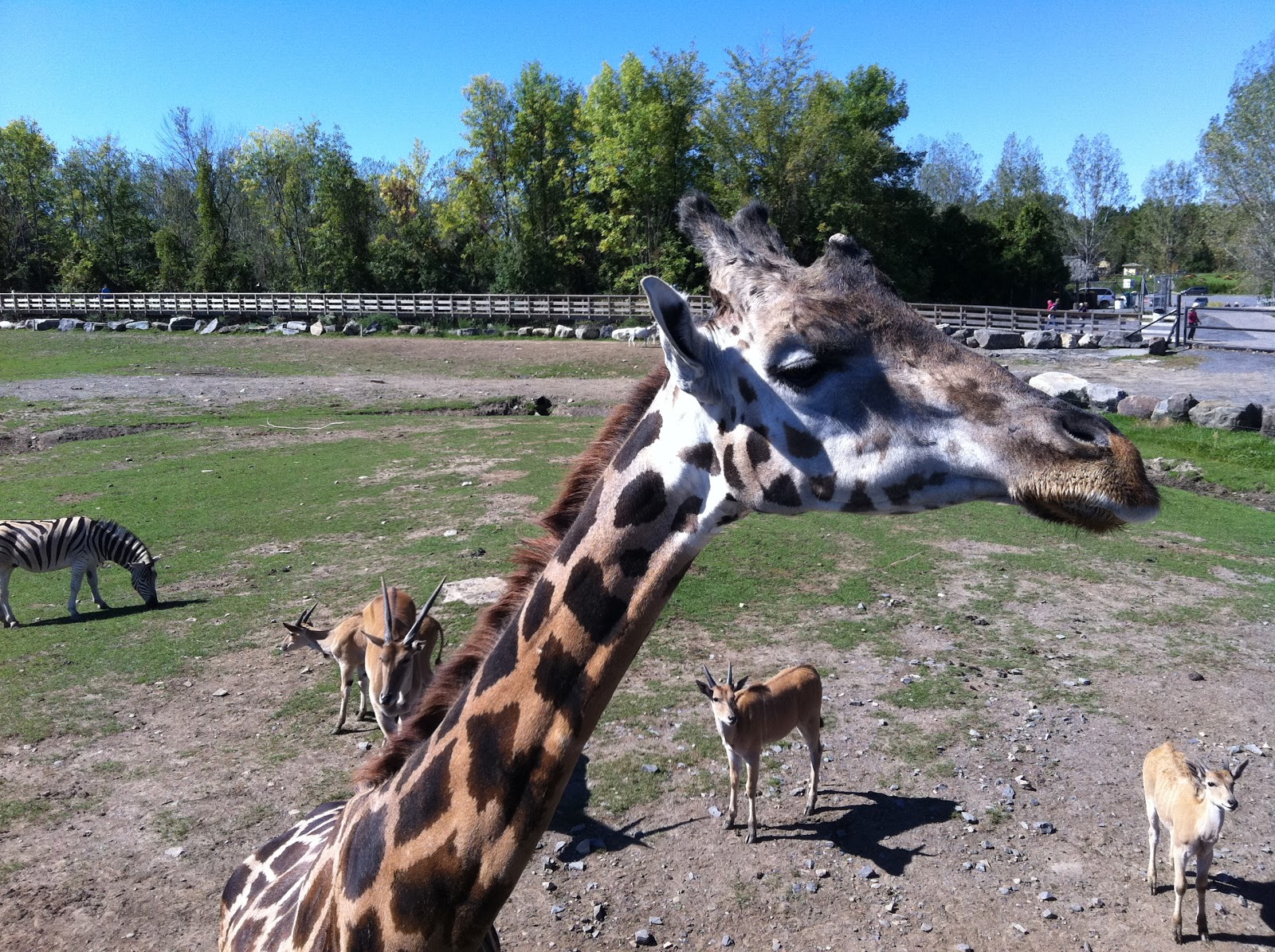
Zoom

Near Zoom
Far zoom


Near Zoom

Far zoom

Near Zoom


Far zoom


Near Zoom


Nearest Zoom
Far zoom